
Private by design
Scan any screen.
Cleanly.
Turn a photo of a laptop, monitor, phone or TV into a clean, straight, readable image - entirely on your device.
⌑ No account. No cloud. No uploads.
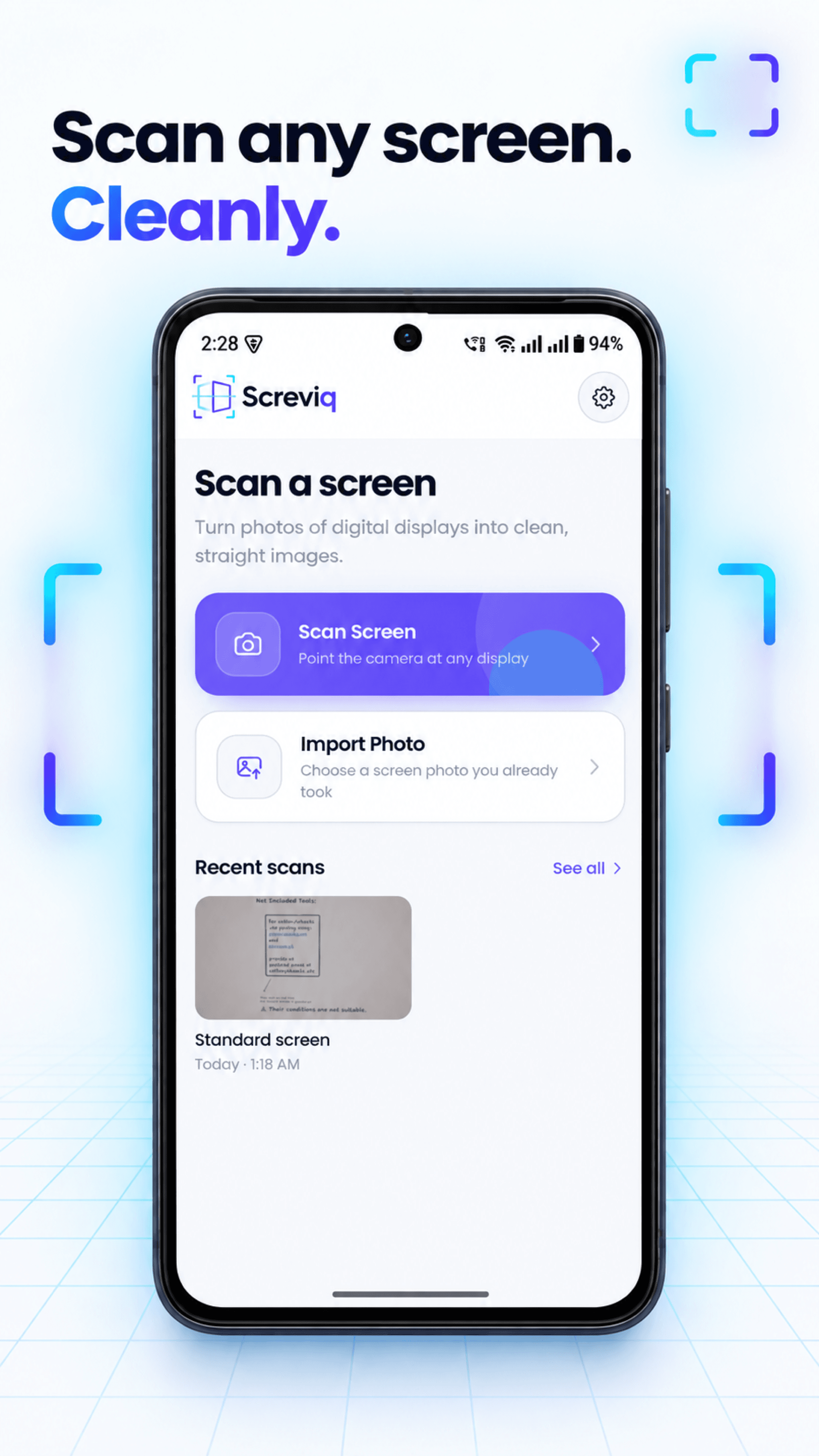
Made for what's on screen
A clearer way to keep what you saw.
Screviq is built for digital displays: UI, charts, dashboards, videos and gradients. It is not a document scanner.
- 01
Capture or import
Point the camera at a display, or choose a photo you already took.
- 02
Set the corners
Screviq finds the display and lets you refine all four corners when needed.
- 03
Save the clean result
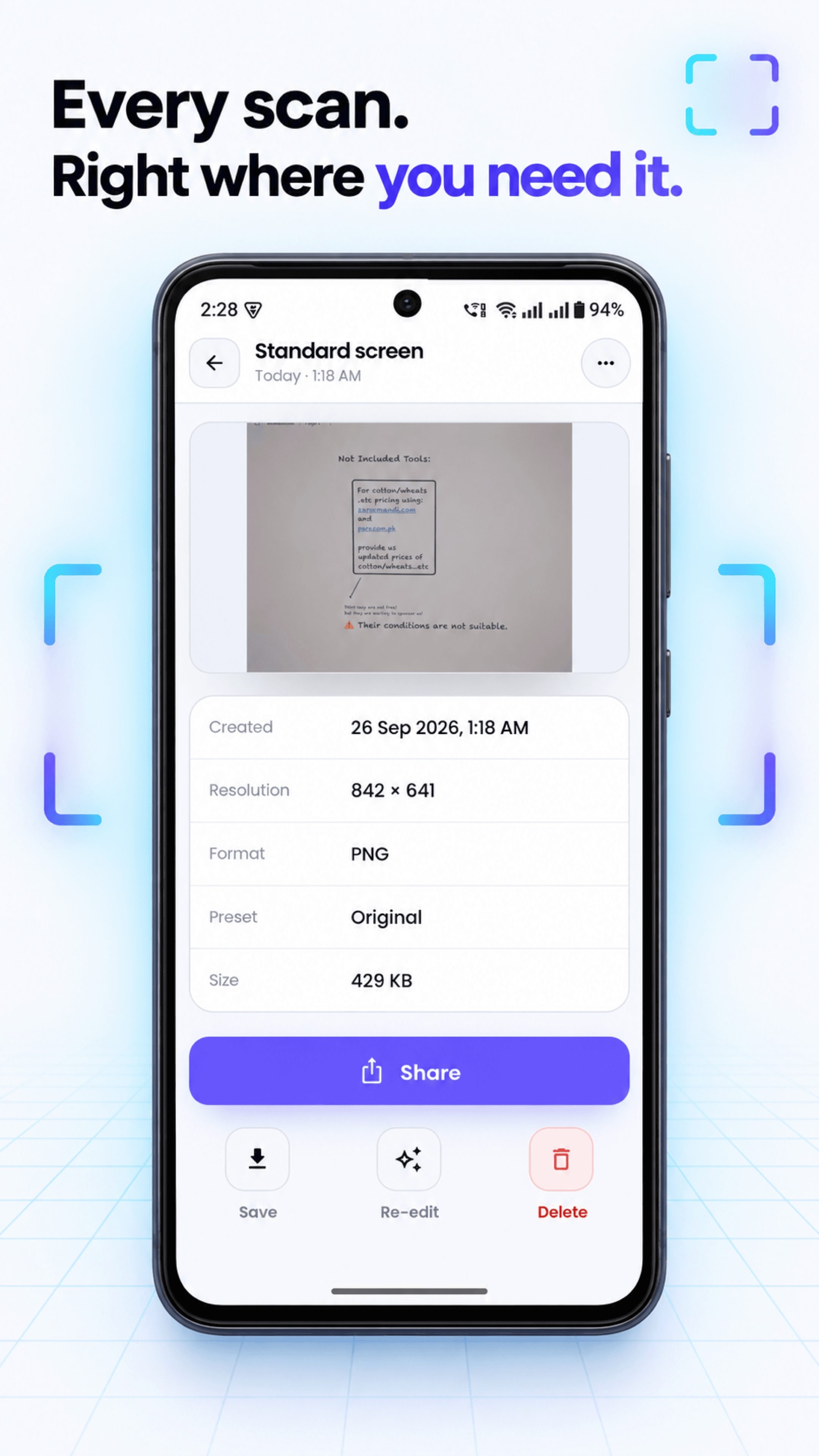
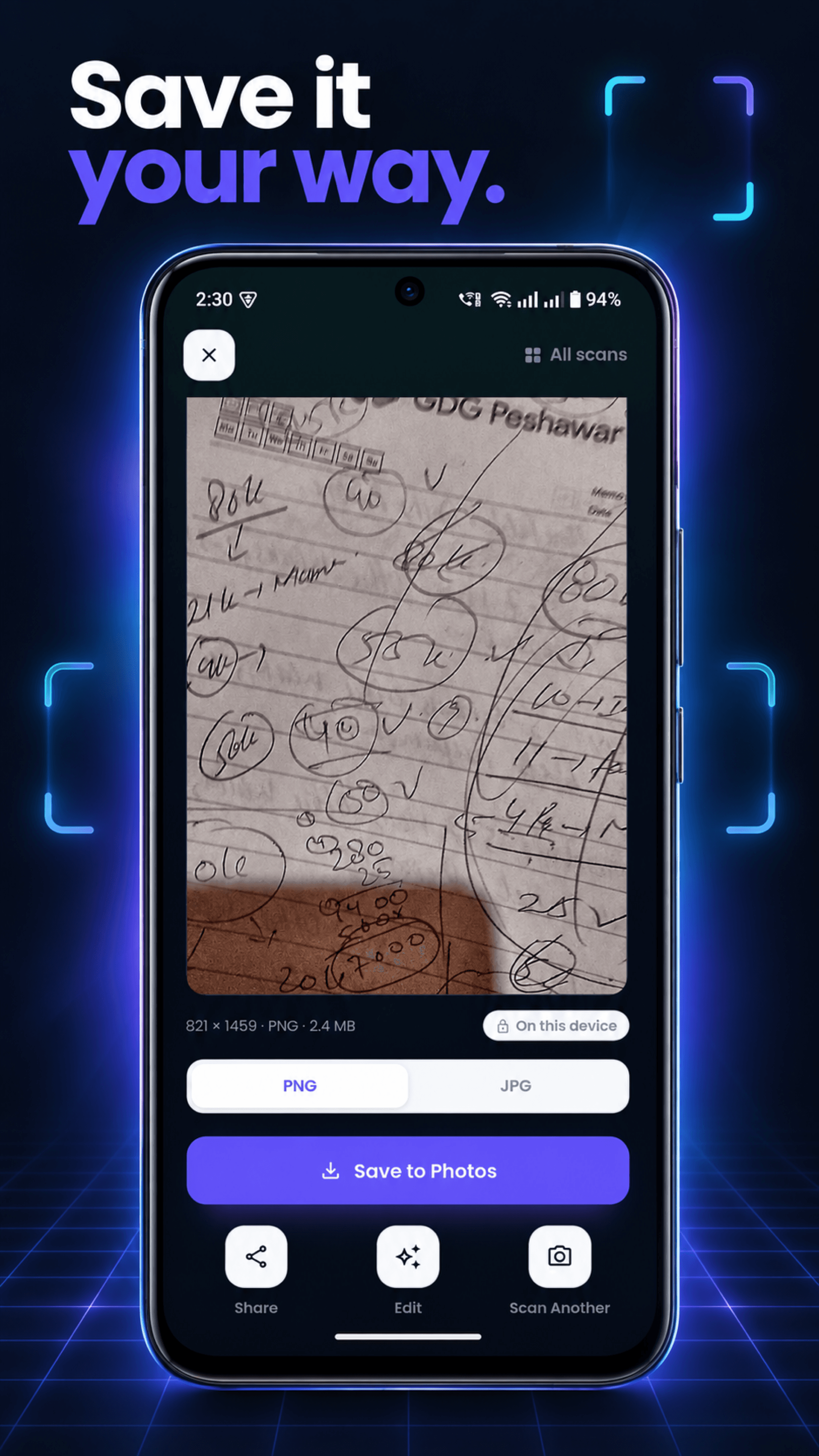
Fine-tune the image, then save or share a straight, readable scan.
The correction workspace
Put the screen back in its place.
A tilted photo does not have to stay tilted. Adjust the perspective, bring the display into a true rectangle, and preserve the colour and character of what was actually on it.
- ✓ Perspective correction
- ✓ Colour-preserving enhancements
- ✓ Original, Clean and Vivid presets
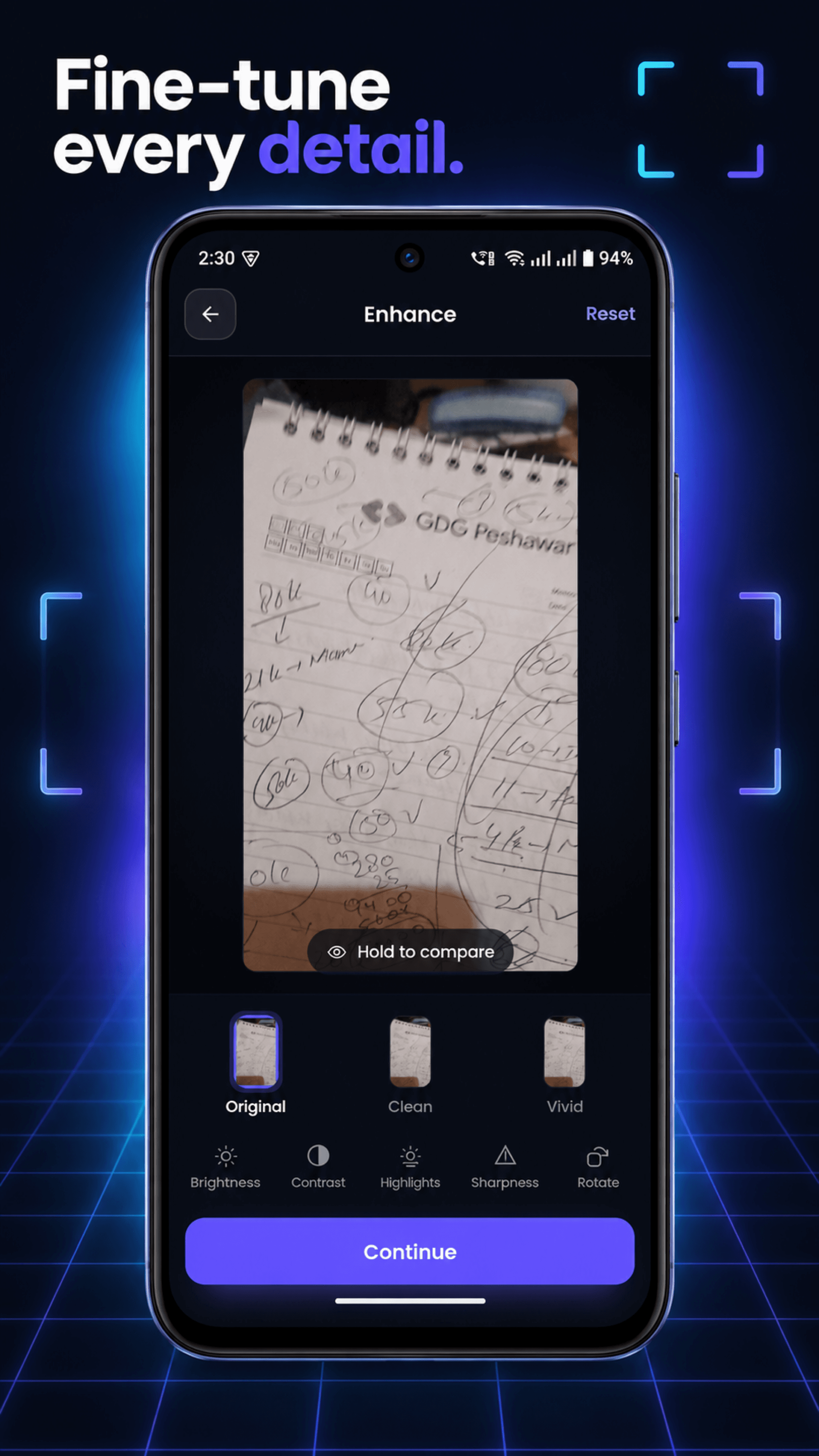
Designed for the whole flow
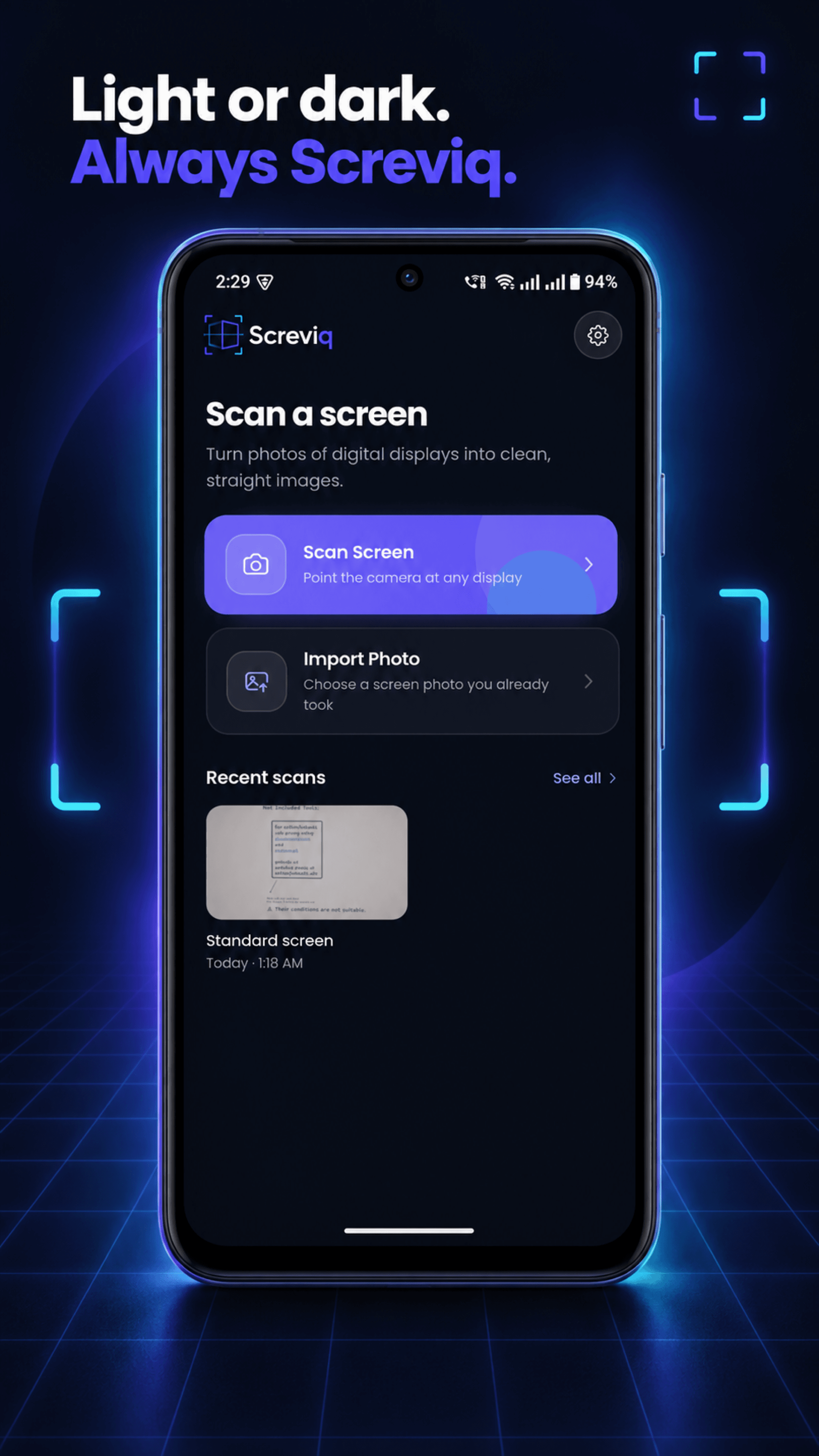
From first photo to finished scan.
Privacy, without an asterisk
Your photos are not our product.
Screviq has no account, no server, no analytics and no advertising SDK. Capturing, correcting, enhancing and saving a scan all happen on your phone.
Only you can choose to send something outside the app, for example when you use your phone's share sheet or send feedback through your mail app.
Read the privacy policyGood to know
Simple by design.
Does Screviq upload my photos?
No. Screviq has no upload, cloud-sync or remote-processing feature. Your photos and scans stay on your device.
Why does it ask for camera or photo access?
Camera access lets you take a photo of a display. Photo access lets you select one image you choose to import. Saving to Photos happens only when you tap Save.
What kinds of screens can it help with?
Laptops, monitors, phones, TVs, POS terminals, dashboards, charts and other digital displays, especially when the photo was taken at an angle.